How to Generate Realistic Human Faces with Flux Model
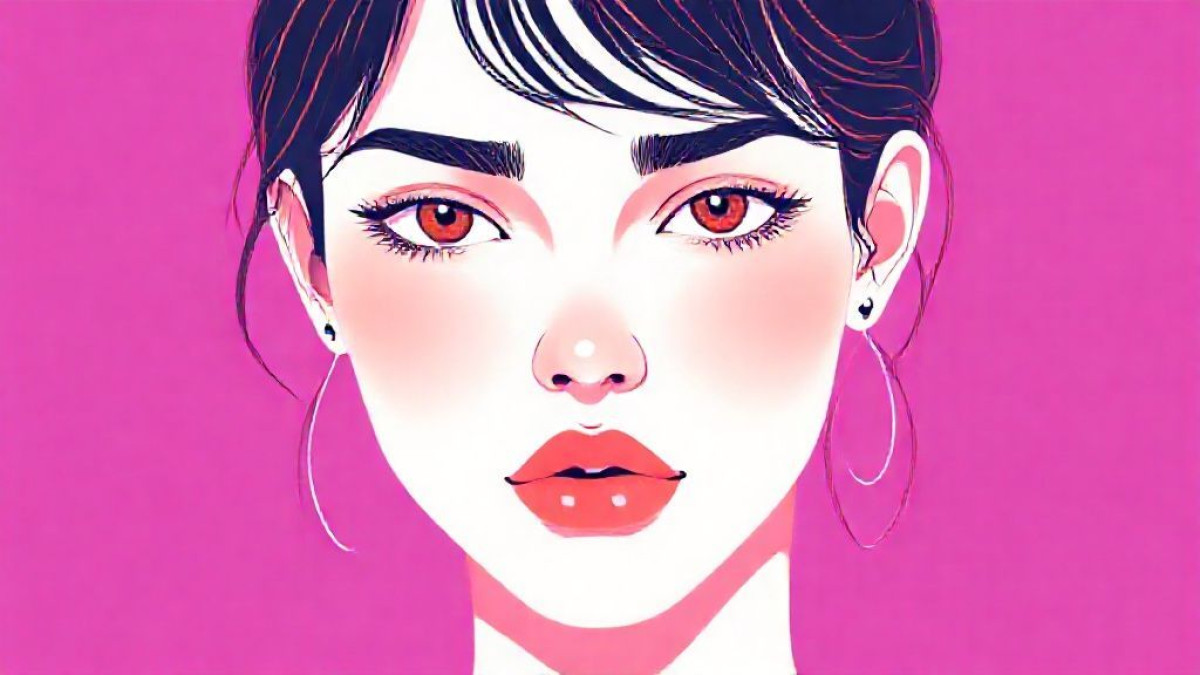
One of the most challenging areas in AI image generation is realistic human portraits. Dull eyes, plastic-looking skin, or anatomical errors immediately give away that the image is artificial. However, the Flux Model used by JWL AI has largely solved these problems. Here are tips for flawless portraits.
Skin Texture and Details
To avoid the plastic doll look, you need to emphasize the skin's imperfections and natural texture. Use these words:
detailed skin textureskin poresimperfections(prevents excessive smoothness)
Eyes: The Mirror of the Soul
With Flux, you can achieve vivid and deep gazes:
detailed iris, expressive eyes, reflection in eyes, sharp focus on eyes
Camera Settings (Virtual)
Adding camera lens info to your prompt makes the AI think like a photographer:
- 85mm lens: Ideal for portraits. It doesn't deform the face and blurs the background (bokeh).
- f/1.8: Creates Depth of Field.
Conclusion
The portrait capabilities of the Flux model are limitless for virtual models, influencers, or character designs. Rediscover the complexity and beauty of the human face with AI.