How to Design Professional Logos with AI?
The most critical step in creating a brand identity is the logo. Previously, creating a professional logo required days of work or high fees. Now, with JWL AI and the right prompt techniques, you can design professional, vector-quality logos in minutes. In this article, we will explore the intricacies of logo design with AI.
The Power of Simplicity in Logo Design
AI models tend to produce complex images. However, a good logo should be simple, memorable, and scalable. To tell this to the AI, use these keywords:
- Minimalist: Free of unnecessary details.
- Flat Design: Shadowless, flat colors.
- Vector Style: Vector drawing aesthetics.
- White Background: For easy cutout.
Logo Types and Prompt Examples
1. Mascot Logos
Ideal for esports teams or fun brands.
Prompt: vector logo of a fierce lion head, esports style, bold lines, blue and silver colors, white background, minimalist
2. Iconic Logos
Modern icons for tech companies.
Prompt: simple vector icon of a cloud with a lightning bolt, tech startup logo, gradient blue, app icon style, white background
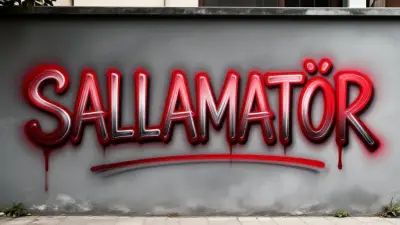
Typography Capability of Flux Model
If you want the brand name to appear in your logo, the Flux model can achieve this. Add this to your prompt:
a minimalist coffee shop logo with text "Morning Brew", coffee cup icon, brown tones
Conclusion
AI creates a democratic design process. Whether for your own project or for your clients, use our Prompt Generator tool to try hundreds of logo variations in seconds.