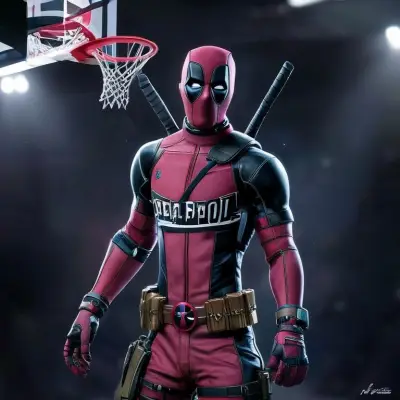
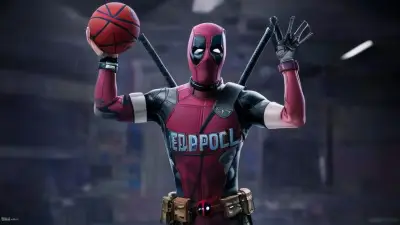
3D Render

The place of 3D art in the digital world is indisputable. However, learning programs like Blender, Cinema 4D, or Unreal Engine can take months. With the JWL AI 3D Render Tool, you can skip this learning curve and create professional 3D images just by typing text.
Which Render Engine?
Adding render engine names to your prompt allows AI to simulate light and material calculations:
- Unreal Engine 5: High detail game graphics.
- Octane Render: Cinematic lighting.
- V-Ray: Architectural renders.
Material and Texture
Surface details give the 3D feel.
translucent glassbrushed metalsubsurface scattering(great for wax or skin)
3D Character Design
For cute characters in Pixar or Disney style:
Prompt: cute 3d character of a baby dragon, big eyes, Pixar style, Disney animation style, soft lighting, 3d render
Lighting Tips
Adding terms like "Ray Tracing" and "Global Illumination" to the prompt ensures a more realistic atmosphere by simulating light bouncing off objects.
Conclusion
JWL AI's Flux model is incredibly successful at mimicking 3D render aesthetics. You can use this technique for product showcases, game assets, or just art.